01
A term of sessions in one action
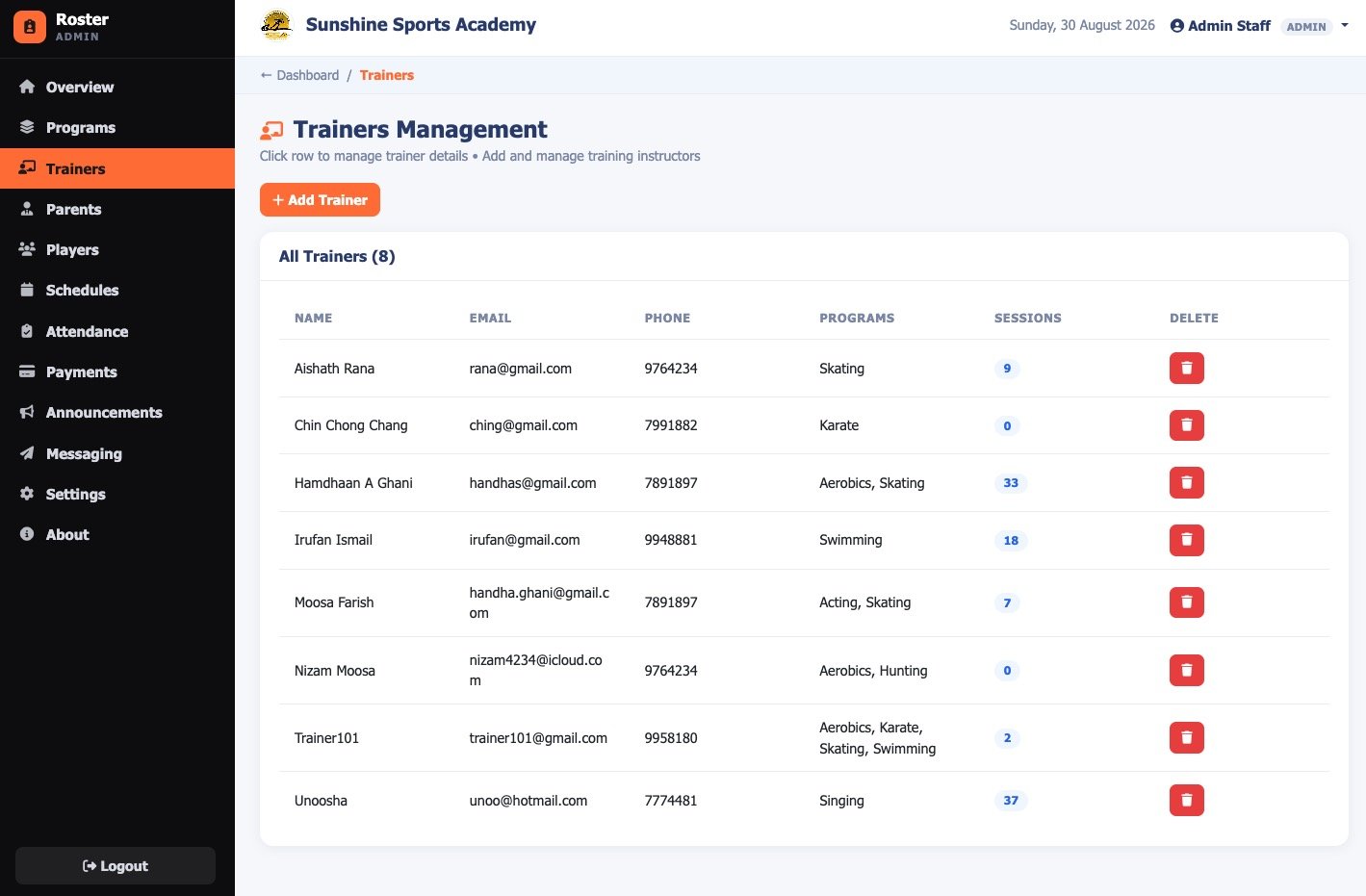
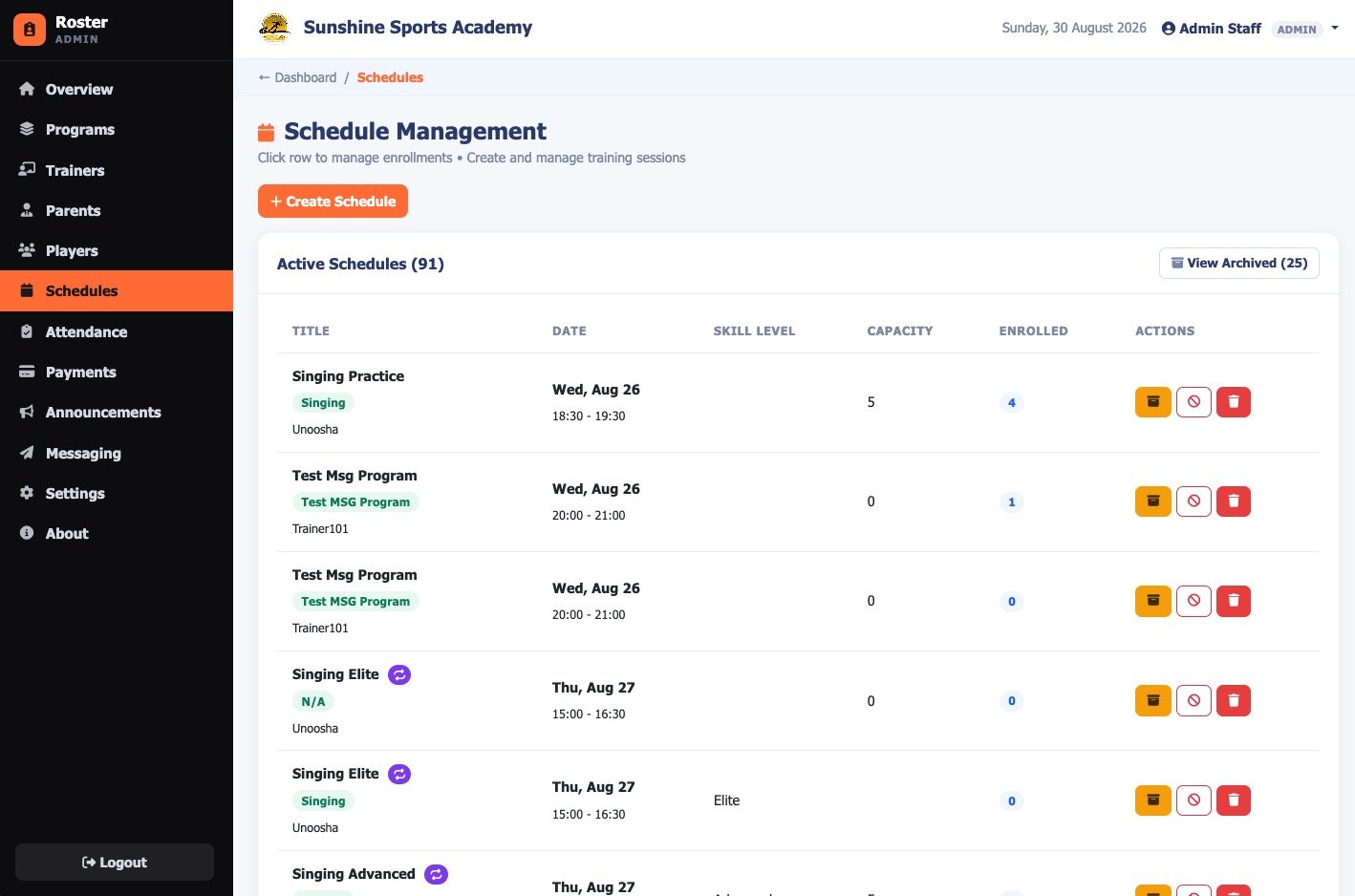
Create a session with title, time, skill level and capacity, then pick the days of the week and an end date and the whole series is generated. Sessions can be cancelled without deleting them, staying visible while dropping out of attendance and parent-facing lists, or archived into a separate view.
02
Enrolment that cannot drift
Adding a player to a session enrols them in that session's programme automatically, so attendance and billing can never quietly disagree. Enrol one player, or every player at once.
03
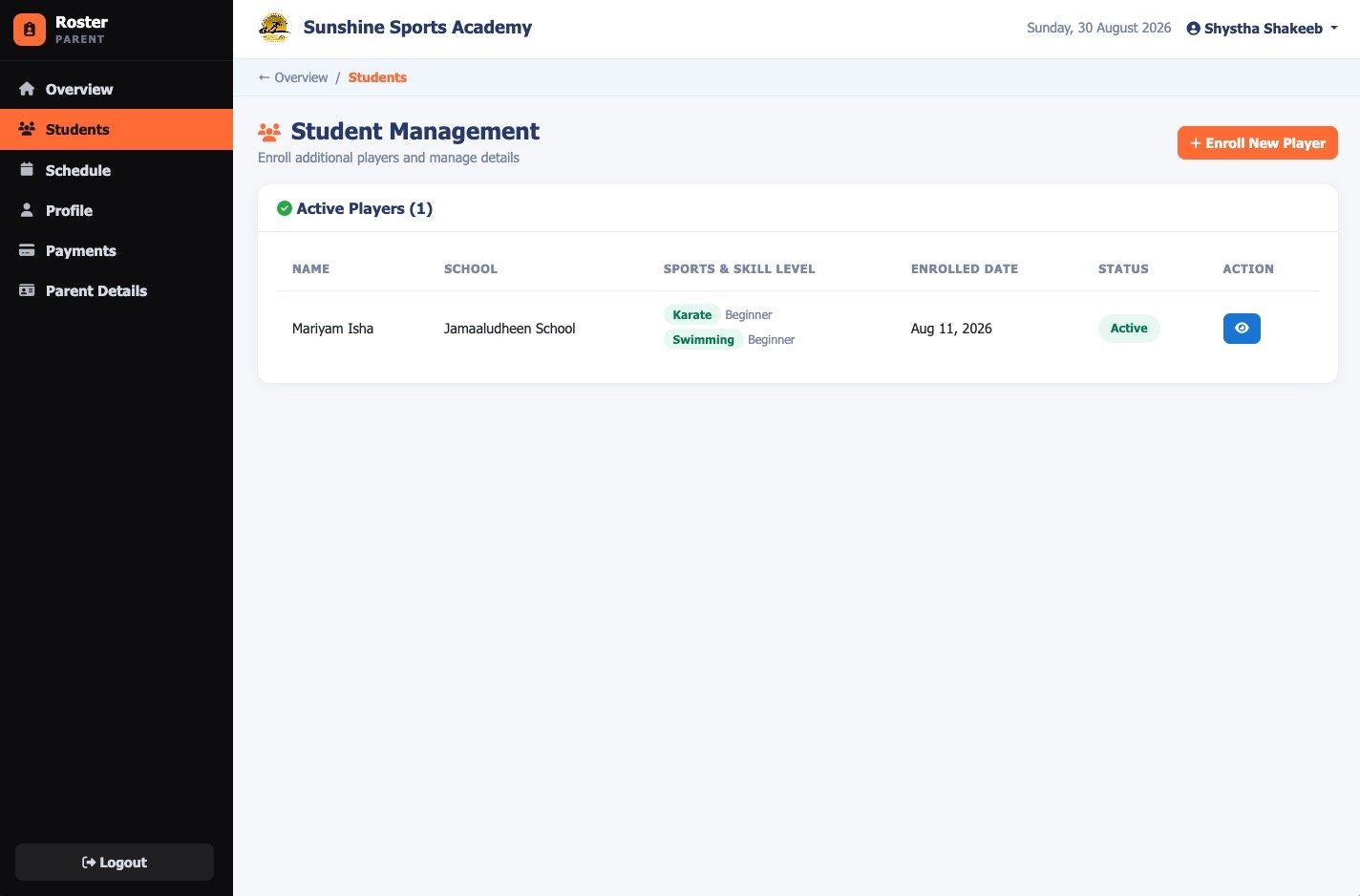
Students, families and levels
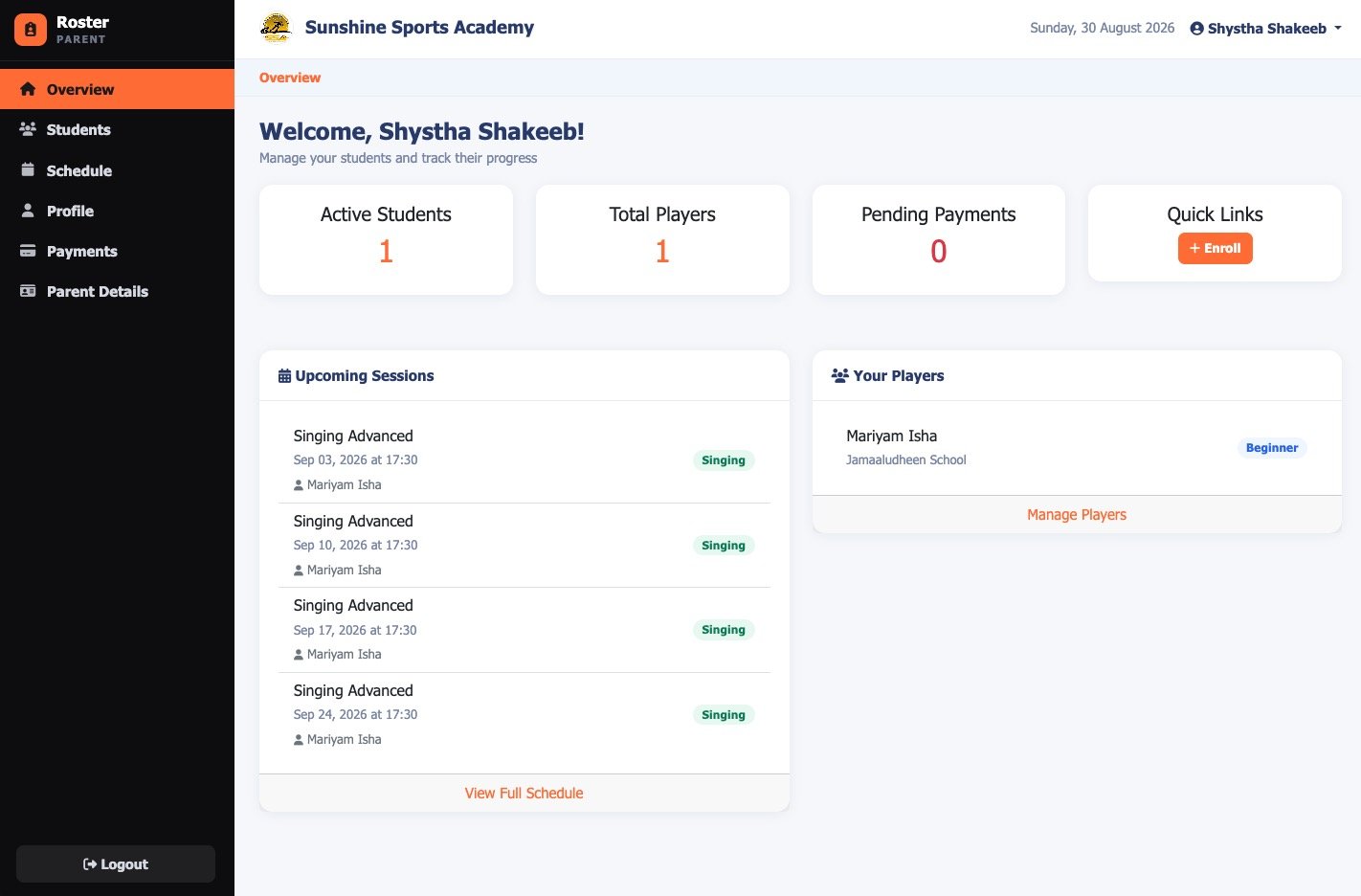
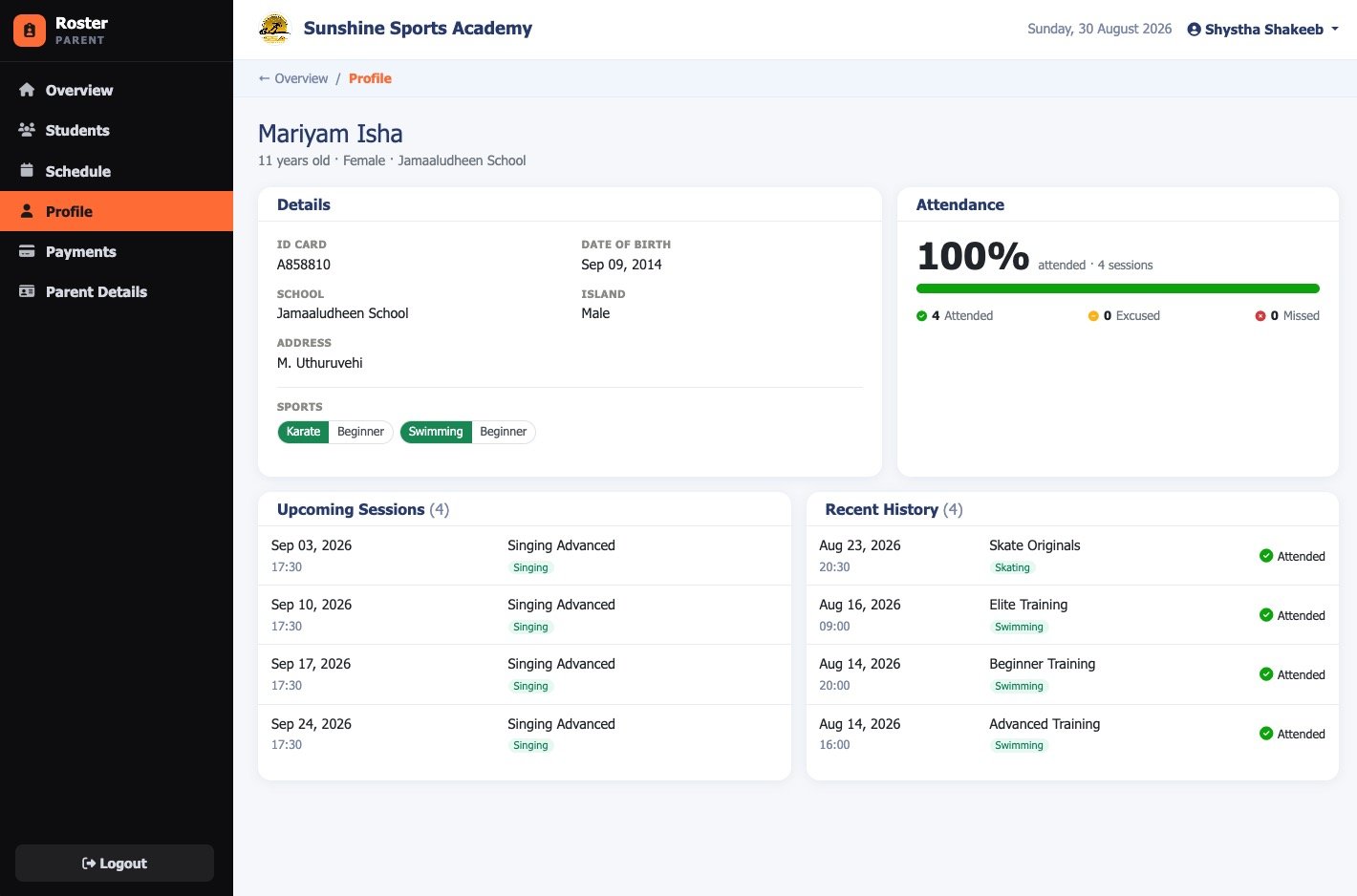
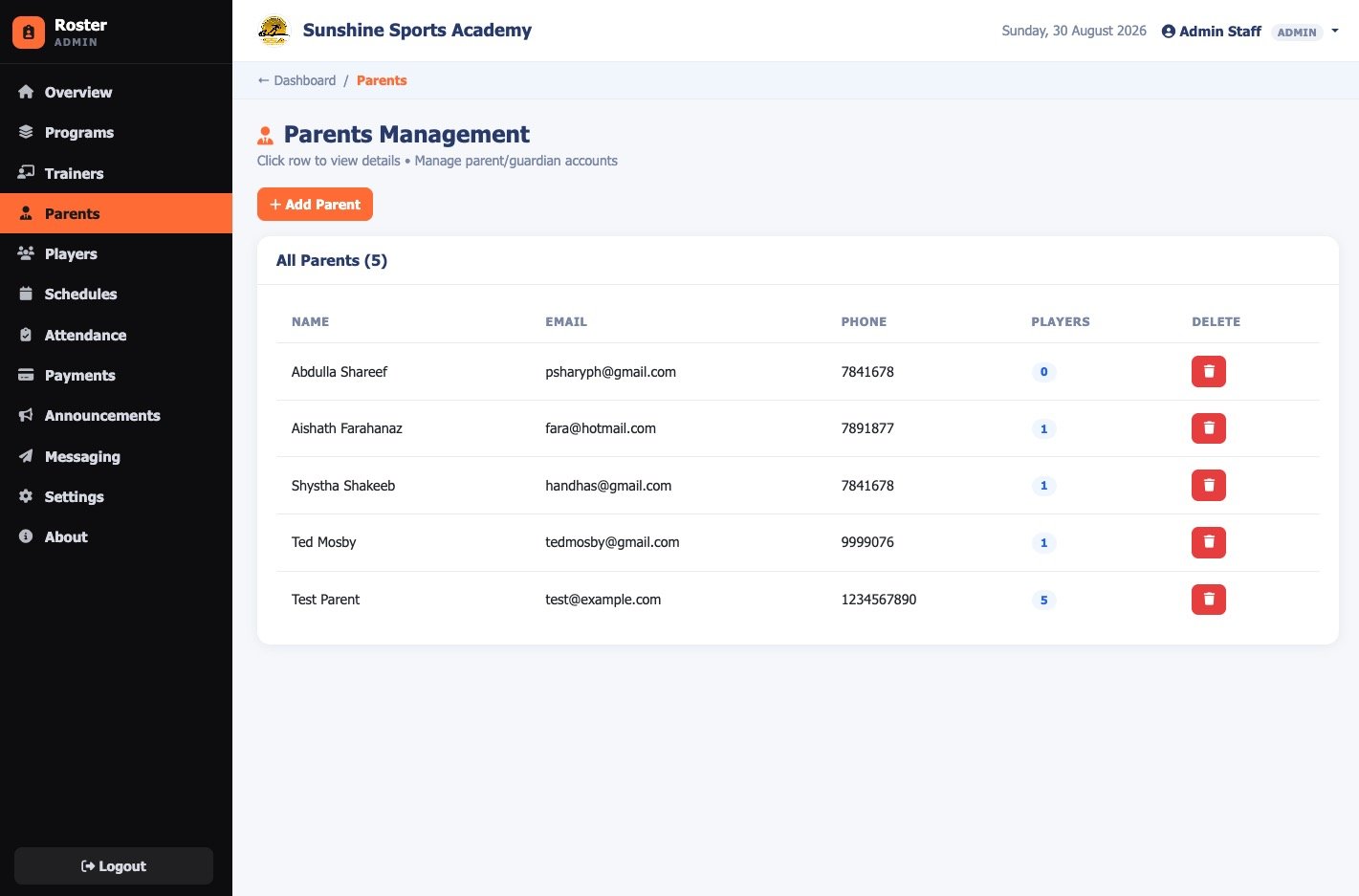
Player records with date of birth, school, island and ID, each enrolled in as many programmes as they attend and carrying a skill level per programme rather than one blanket level. One parent account owns several children.
04
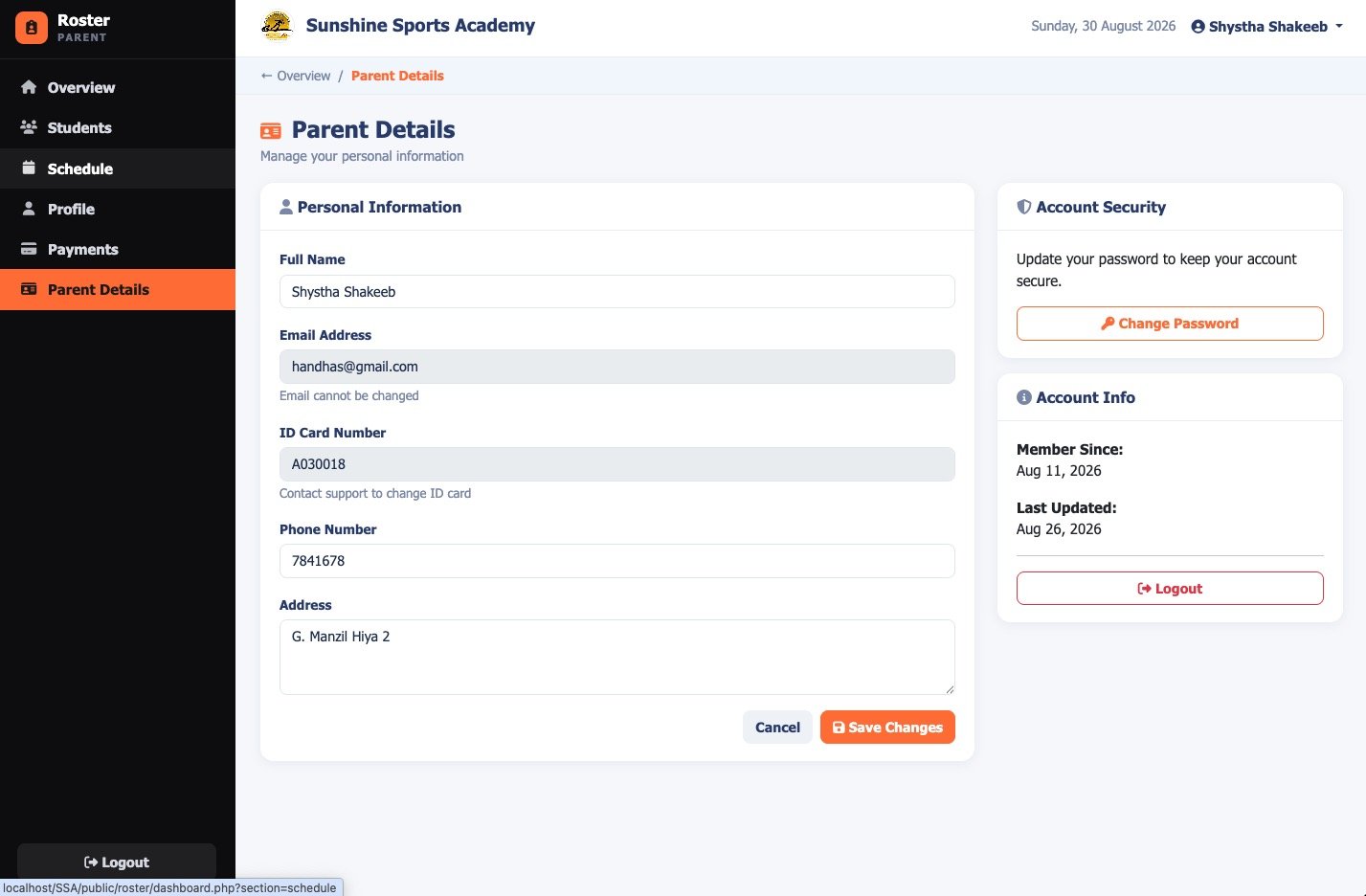
Parents do their own data entry
Parents self-register, verify, and add their own children from the portal. Nobody at the front desk retypes a form.
05
Attendance you can use
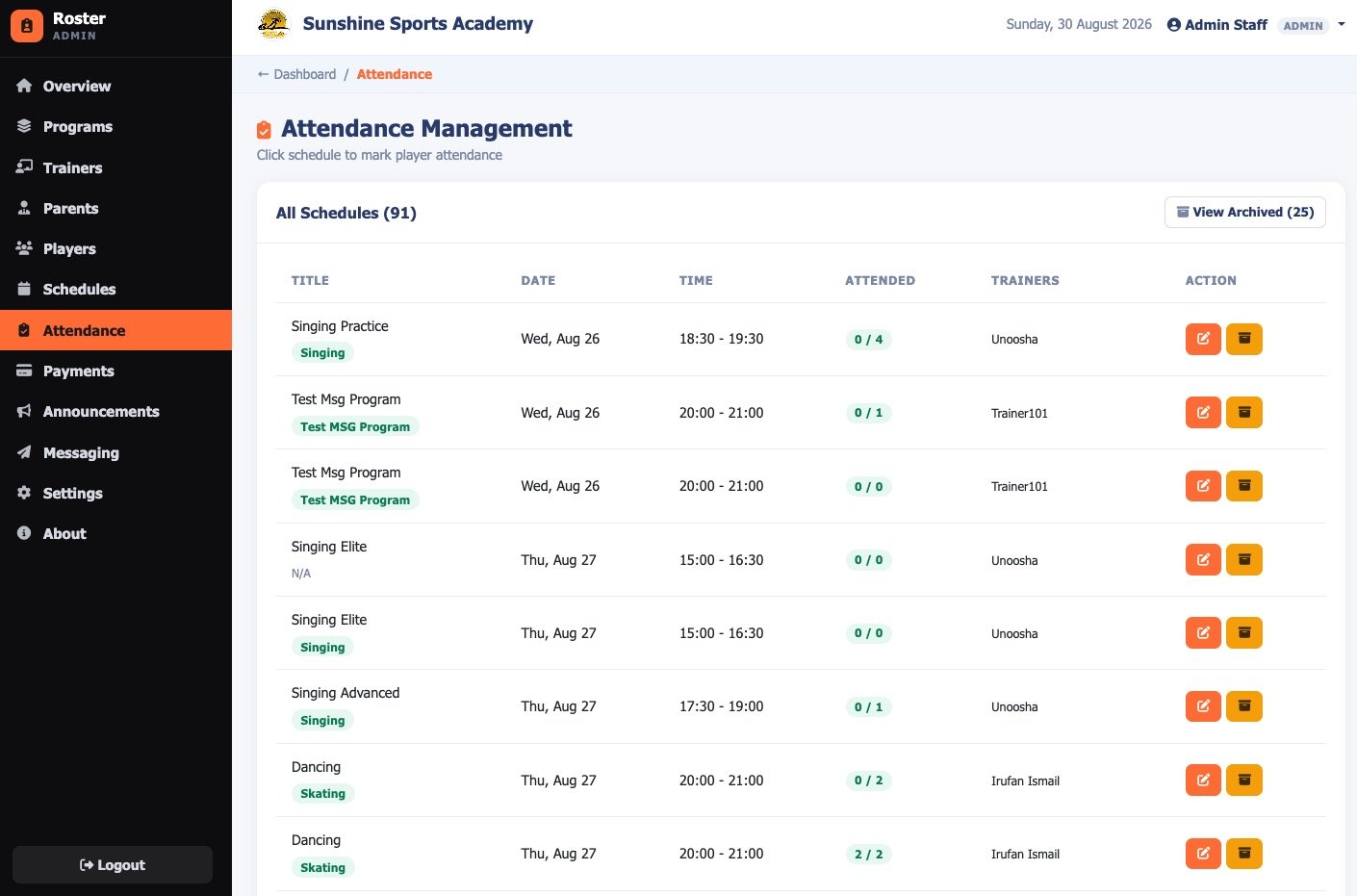
Marked per session as attended, missed or excused, with a register per session and a history per player. The attendance rate meter shows a part-to-whole breakdown and never relies on colour alone to convey status.
06
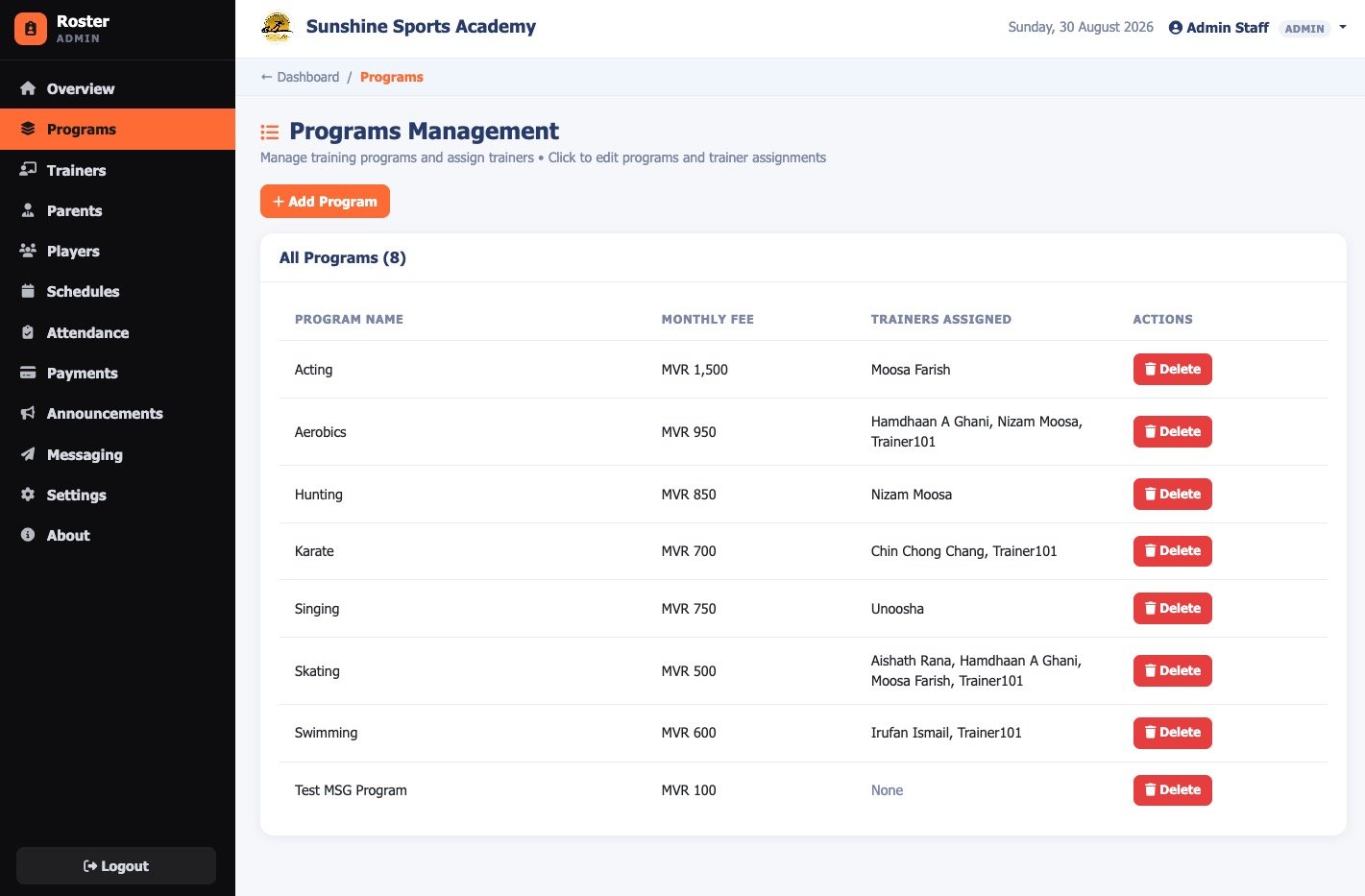
Fees per programme, invoiced in one click
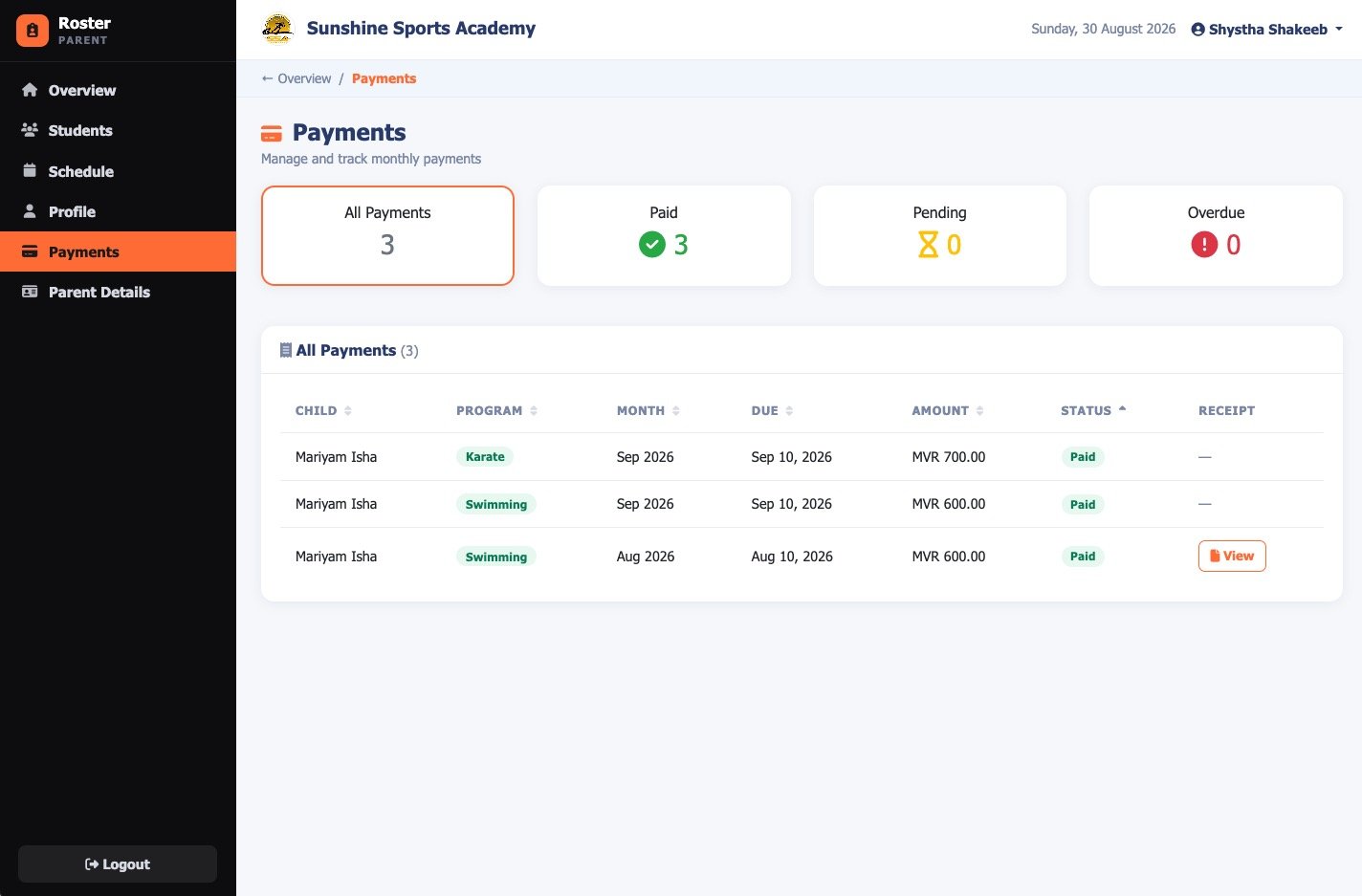
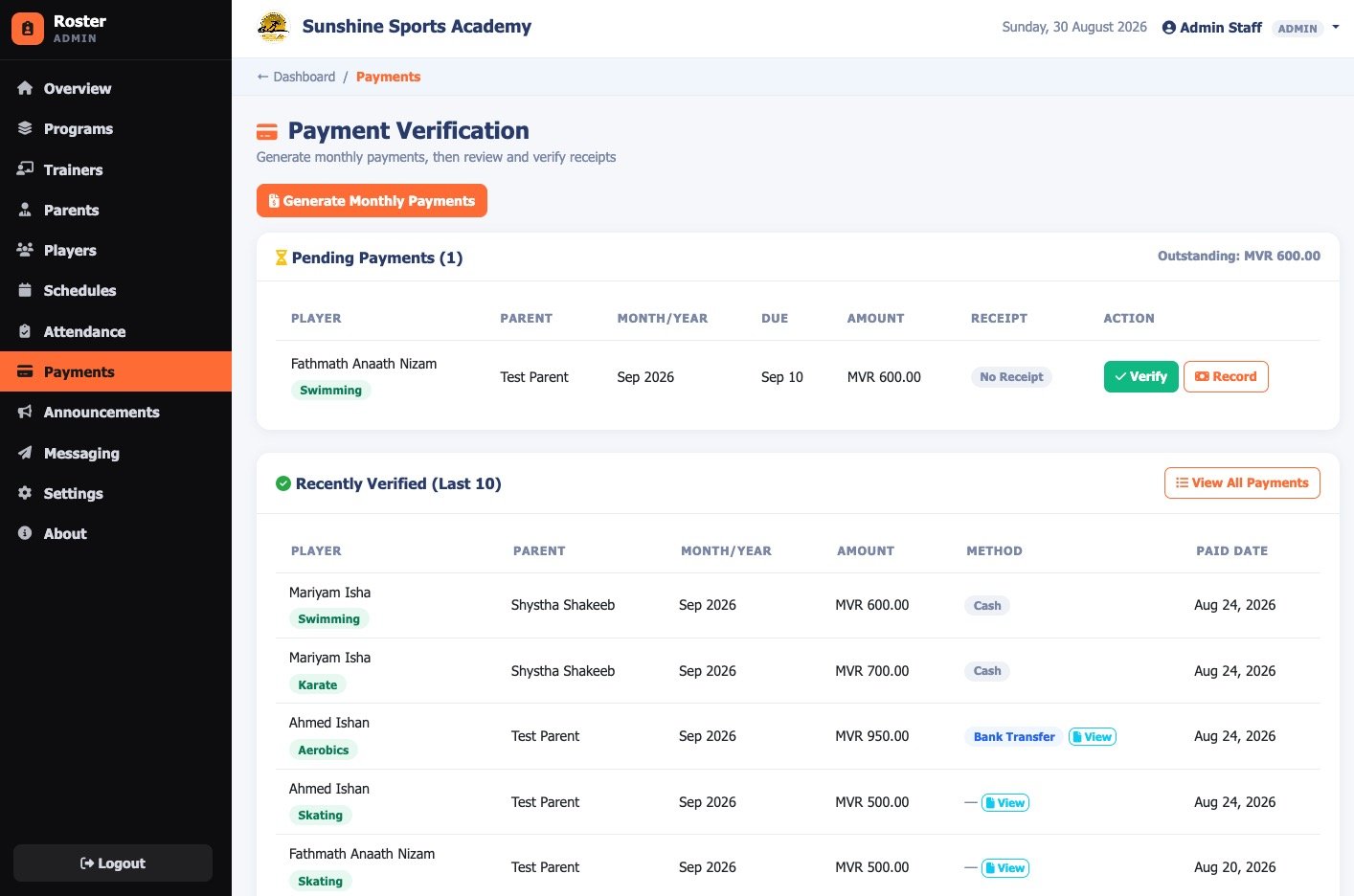
Monthly fees set per programme, so a child in two programmes is billed for two. Generate a whole month of invoices across every enrolled player with one action and a chosen due date.
07
Billing that stays correct
Re-running generation creates no duplicates and reports what it created versus skipped. Fee amounts are copied at generation time, so a later price change never rewrites old invoices. Overdue is derived from the due date when the page renders, so it can never go stale.
08
Money arrives two ways
Parents upload a receipt as JPG, PNG or PDF, and staff review it in a lightbox with inline preview and verify in one click. For cash or transfers that arrive without a slip, staff record the payment directly with date, reference, note, and who recorded it.
09
Message the right parents
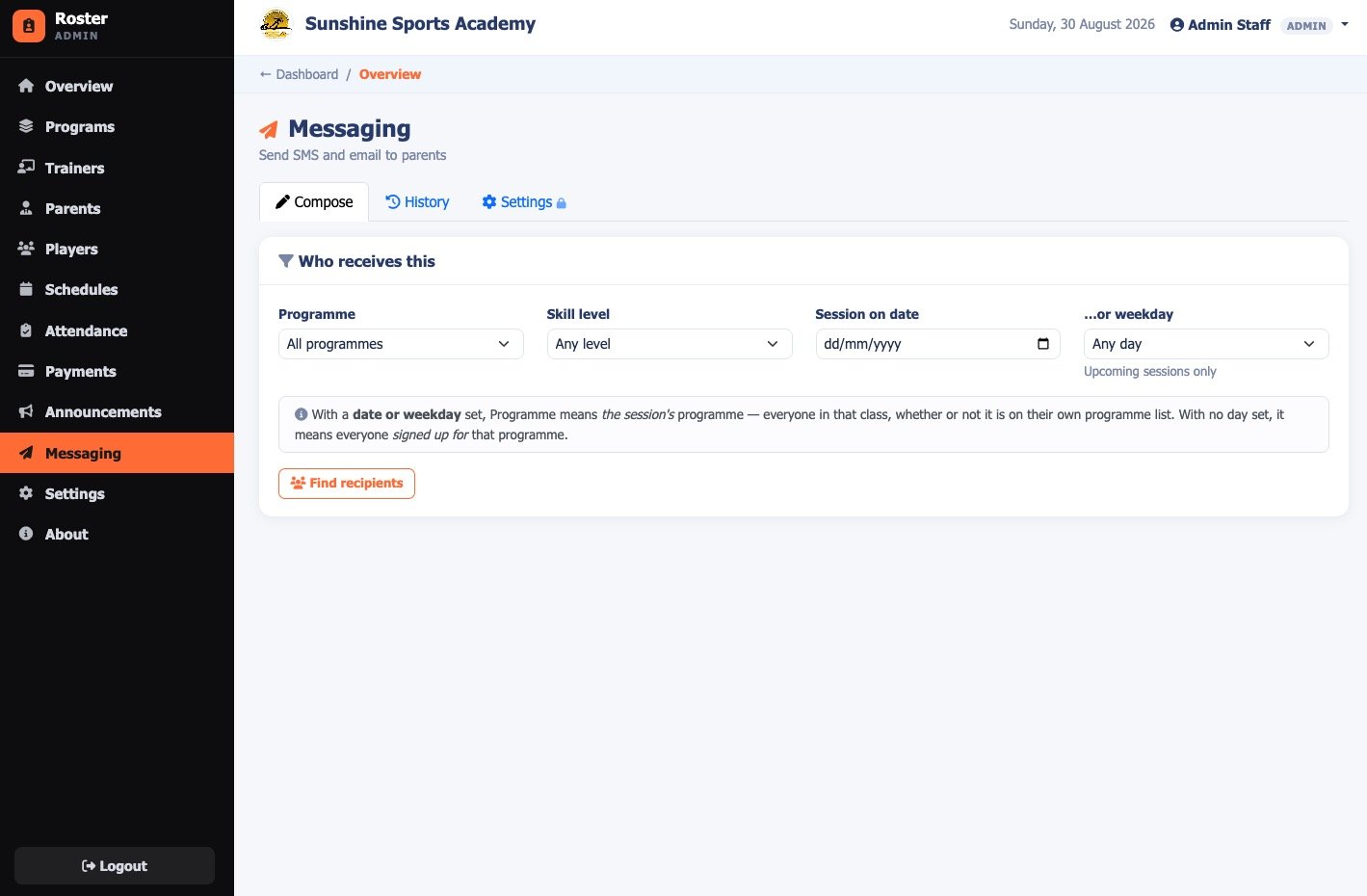
Bulk SMS and email filtered by programme, skill level and session day. Deduplicated by parent, so a family with three children in one programme gets one message rather than three, with merge fields substituted per recipient.
10
Sending you can audit
Preview the recipient list before sending, with unreachable parents named rather than silently dropped. Confirm by typing the count. Every message is logged individually with delivery status and the provider's own error text.
11
Delivery built for here
SMS through MsgOwl with Maldivian number normalisation, and authenticated SMTP email with TLS rather than unreliable server mail. Credentials are editable from the admin panel, so an API key can be rotated without a code change.
12
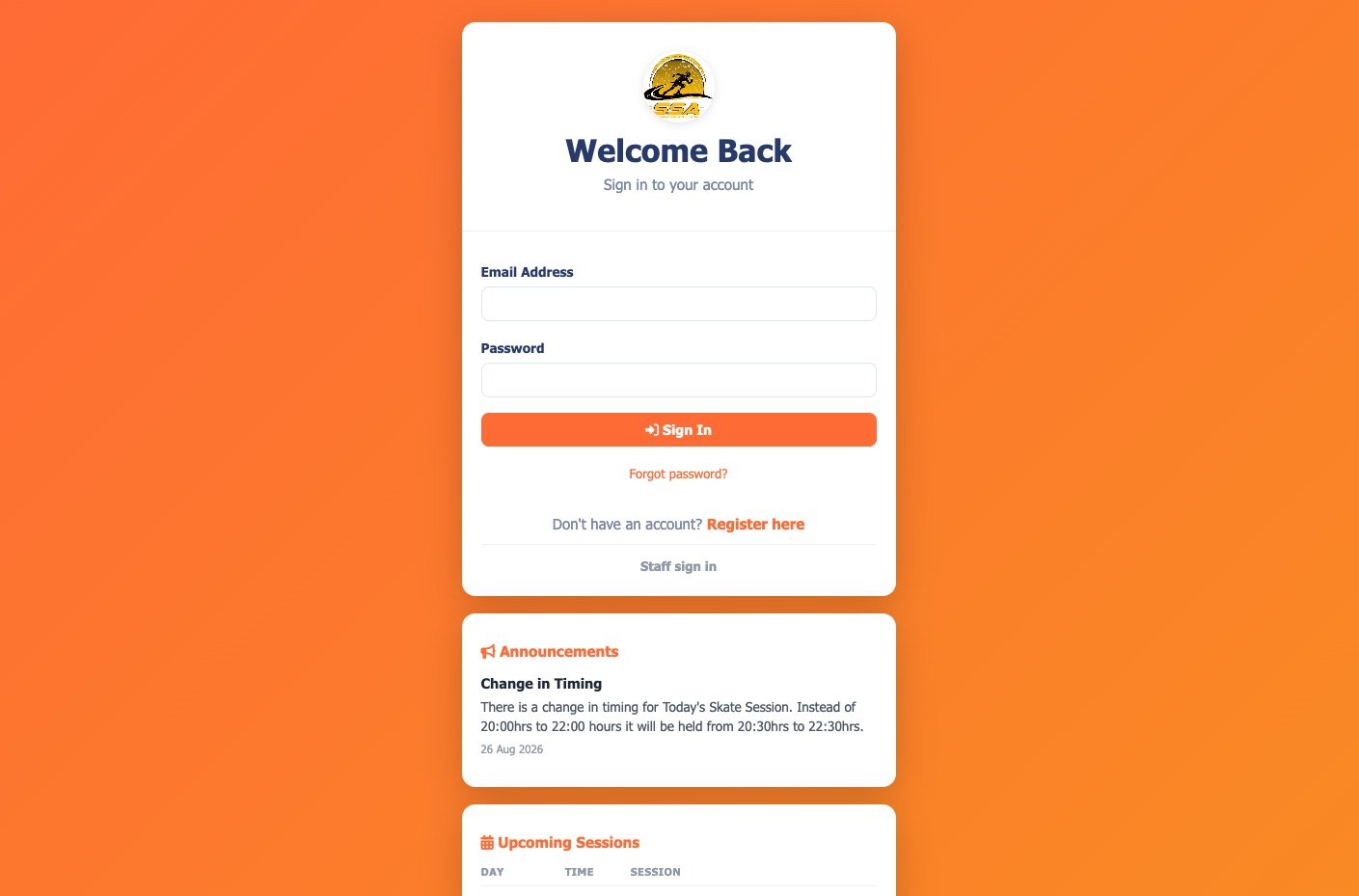
Announcements before the login
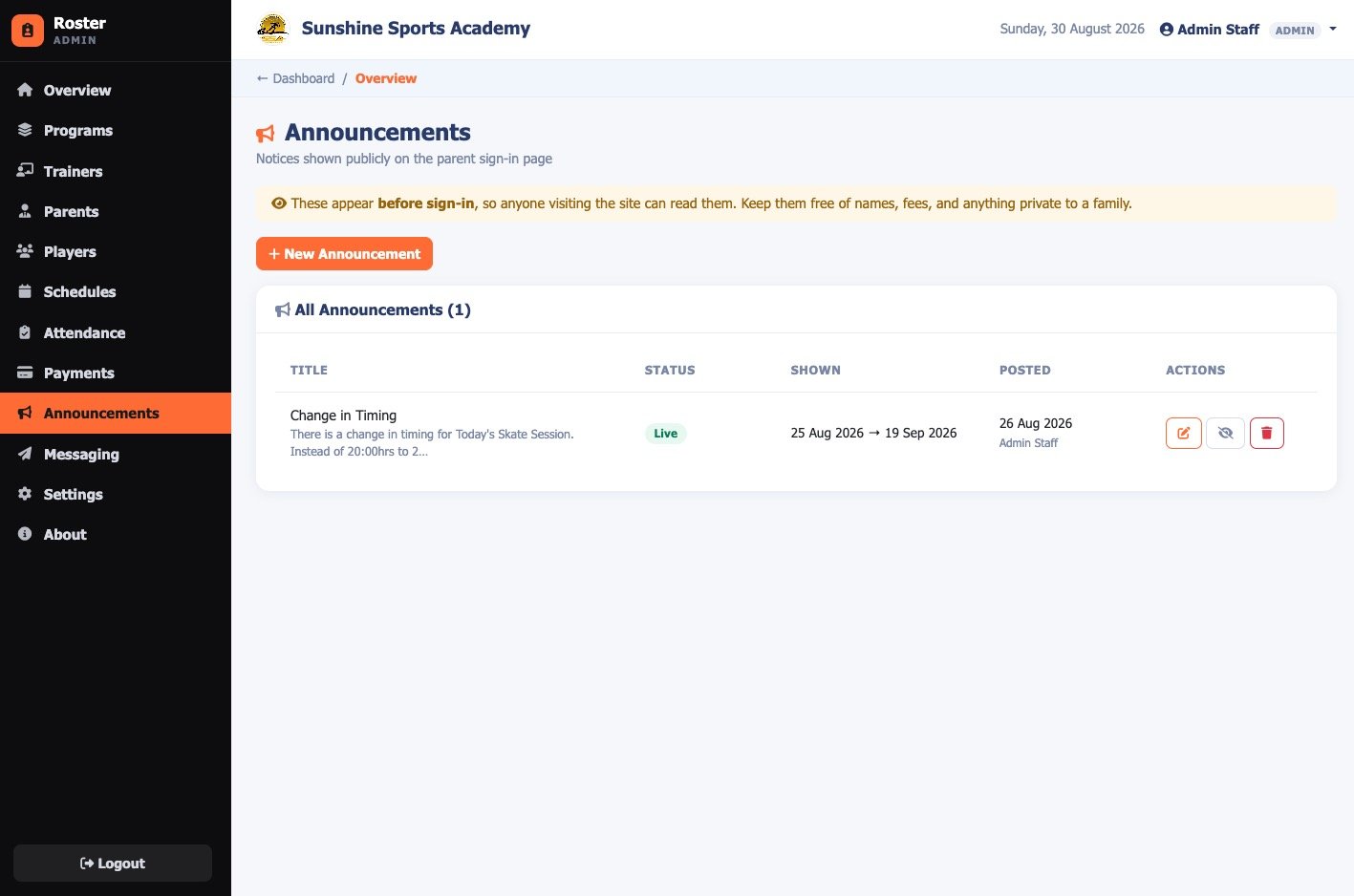
Notices shown publicly on the parent sign-in page, with an optional display window, pin-to-top, and a computed status of live, hidden, scheduled or expired. The same page shows the next seven days of sessions by programme, day and time, never which children attend.
13
Two staff roles, actually enforced
Admin and FrontDesk, with FrontDesk genuinely restricted from settings, staff management and messaging, enforced on the server rather than hidden in the interface.
14
Your academy, not our credentials
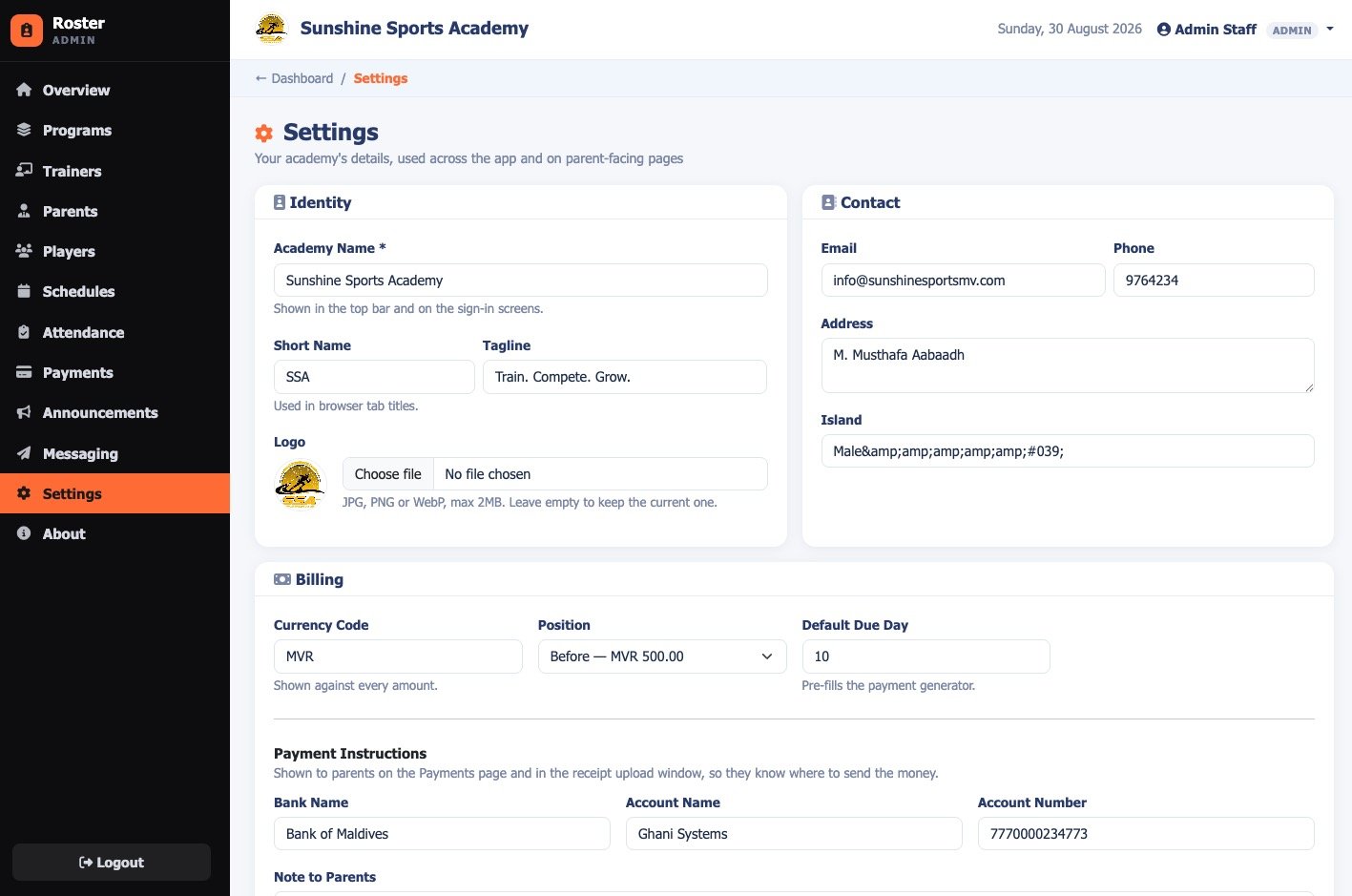
Messaging provider credentials sit behind an additional password, separate from any staff login, so an academy can run day to day without holding the keys to the SMS and email accounts.
 01
01
 02
02
 03
03
 04
04
 05
05
 06
06
 07
07
 08
08
 09
09
 10
10
 11
11
 12
12
 13
13
 14
14
 15
15
 16
16
 17
17